Enter your password to sign this student in without their animal.
Enter your password to access settings.
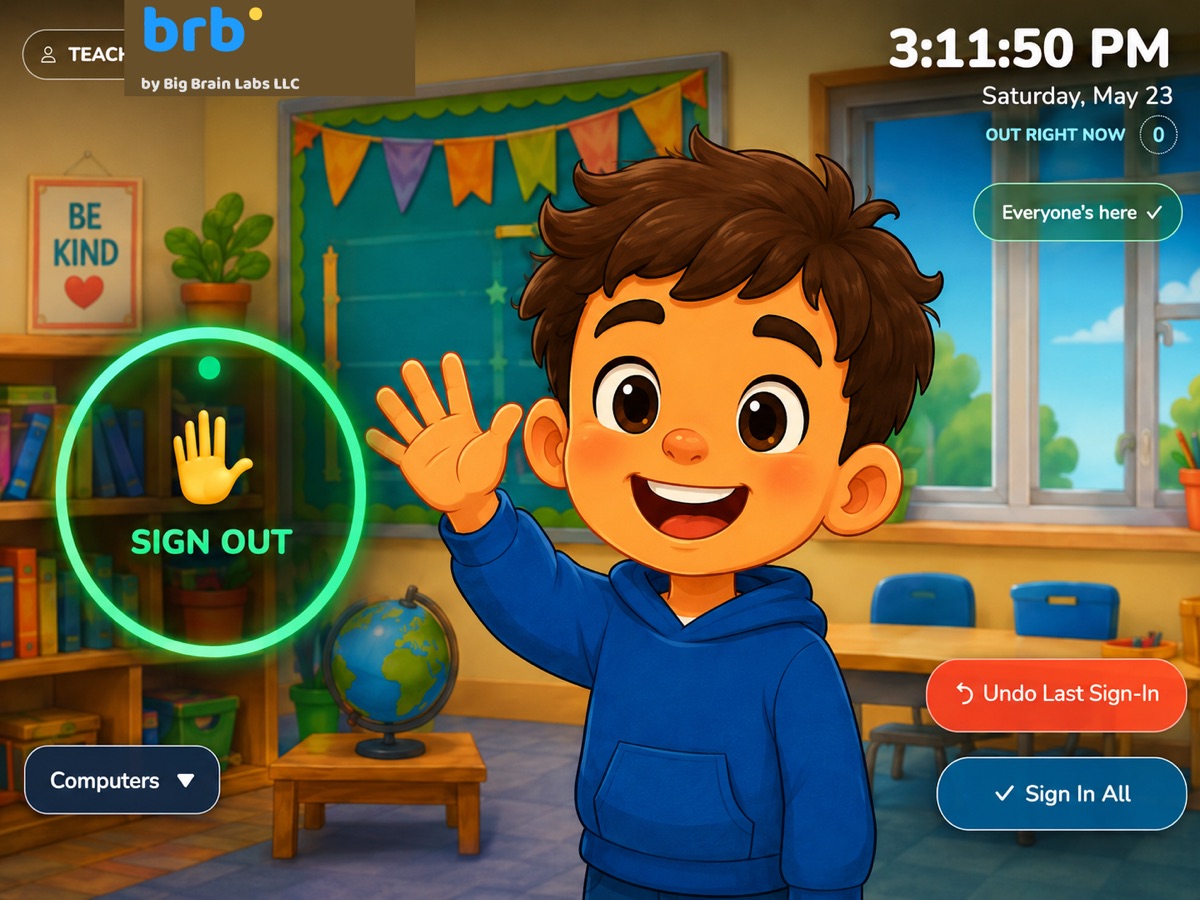
Students pick their name when signing out. Each student picks a secret animal at sign-out that they'll need to remember to sign back in.
Archived classes are kept here so you don't lose data when you stop using a class. You can restore them or delete them permanently.
Enter your password to view today's photos.
This will permanently delete everything: all students in the roster, any currently signed-out passes, the entire gallery/log history, and all settings. The teacher password will also reset to teacher123.
This cannot be undone.
You're about to undo the most recent sign-in.
Sign every student currently out back in?
Photos of today's sign-outs. For detailed stats, logs, and CSV export, open Settings → Dashboard.